
Read the retailer’s current refund and activation rules before purchasing. Record the plan description and order confirmation, and contact support before deleting or reinstalling a problem profile.
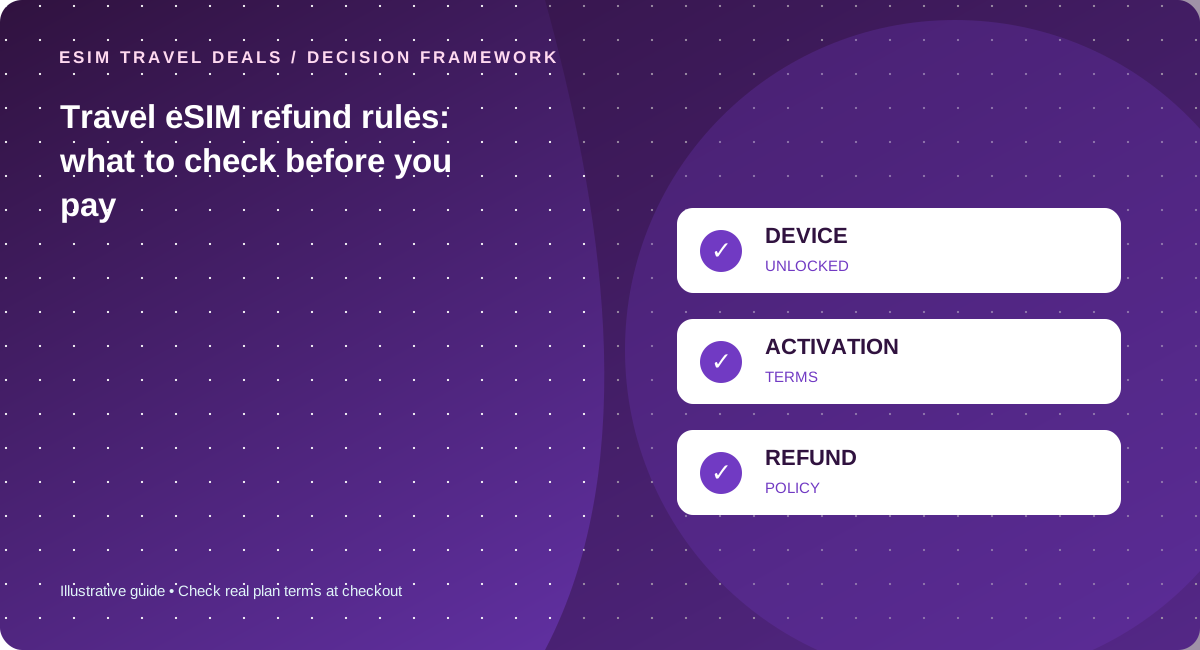
Refund eligibility is often conditional
Retailers may distinguish between an unused, uninstalled or unactivated profile and a plan that has already consumed data. This is a policy question, not a universal telecom rule. Read the policy for your exact merchant, product and purchase region before you accept an offer.
Validate compatibility before you purchase
Check whether the phone supports eSIM in your region and whether it is unlocked. A generic model family name does not prove support for your specific version. If the merchant shows network restrictions or an excluded country, save the listing details before checkout.
Keep a useful evidence trail
Save the order ID, product name, QR delivery record, installation/error messages and support ticket reference. If activation fails, ask support which diagnostics to perform. Do not publish an eSIM QR code or account information in a review or public forum.
Understand what a refund cannot solve
Even an approved refund cannot restore data connectivity during a missed train connection. Prepare a basic offline backup and use trusted airport or hotel Wi-Fi to contact support. Treat a refund policy as risk management rather than as a substitute for checking coverage and device eligibility.
A pre-checkout evidence bundle
Before paying, identify the exact plan name, destination coverage, data allowance, validity and any activation restrictions. Review the retailer’s current refund terms and the relevant device compatibility list. Save a private record of the final order confirmation, plan description and purchase currency. If activation fails, keep the original QR profile intact while discussing troubleshooting with support; some products limit reinstalls and deleting the profile could complicate diagnosis. Record the time of attempted installation, current country and any error message, but never publish QR codes or customer credentials in a public complaint. A refund process may require a support review rather than being automatic. That is why a backup connection matters independently of the refund policy. Keep evidence organized enough to prove what you bought, what you attempted and what response you received.
Distinguish three very different failure cases
Case one is mistaken compatibility: the handset variant is carrier-locked or does not support eSIM, which could have been checked beforehand. Case two is a service problem: a compatible phone in a covered country cannot attach to a network, requiring diagnostics and possibly provider remediation. Case three is a trip change: you no longer need the plan after a cancellation or a route change. Merchants may treat these scenarios differently based on their stated rules and whether a profile was installed or used. Do not make a blanket “money back guaranteed” claim where the actual contract has exceptions. Before deciding on a provider, consider its accessible support channels and the clarity of its refund terms. If a plan is unsuitable, the quickest commercial resolution is often to contact the merchant before attempting multiple reactivations.
Five checks before you pay
- Open the current TripoSIM refund page before checkout
- Confirm device unlock and eSIM capability
- Capture product coverage and validity terms
- Retain order and support references
- Ask support before deleting an installed profile
Common mistakes to avoid
- An activated plan may have different refund rules from an unused one
- Do not share QR codes in screenshots
- Chargeback timing is not the same as instant replacement connectivity
Work with your real itinerary or quotes
Use our free in-browser calculator, then verify live plan stock, exact destination coverage and final charges directly with TripoSIM.
Commercial disclosure: we are owned by BroadNet and promote TripoSIM. No specific retail SKU or guaranteed price is represented here.
Source notes and review standard
This page is educational editorial analysis dated 5 November 2026. It does not claim field measurements, current retailer inventory, exclusive third-party quotes or verified network speeds. Confirm the exact product terms and local phone configuration before paying.
Additional context: our research methodology and editorial standards.
Continue reading
Study abroad: the true mobile-data cost of a semester
Model arrival connectivity, monthly renewal, video classes and local number needs in one realistic budget.
eSIM coupon, promo code or bundle: what counts as a real deal?
A reproducible worksheet for separating advertised discounts from genuine lower checkout totals.